
AI Pet GIF Maker
Upload a photo of your cat and AI redraws it as a short looping GIF with a new expression: crying, waving, angry, sleepy or in love.
This is a benefit for paying customers. The model is very new and not yet mature, so the success rate is not high, and generations can fail or have flaws.
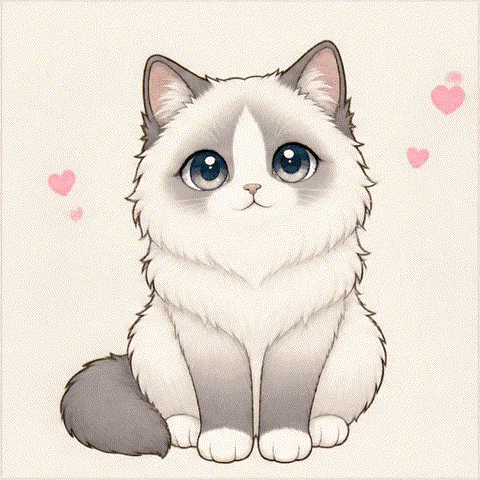
Samples: five moods of Mochi
We made these with our free official cat, Mochi, picked the best by hand from several tries and processed them into loops. Not every generation will look this good.
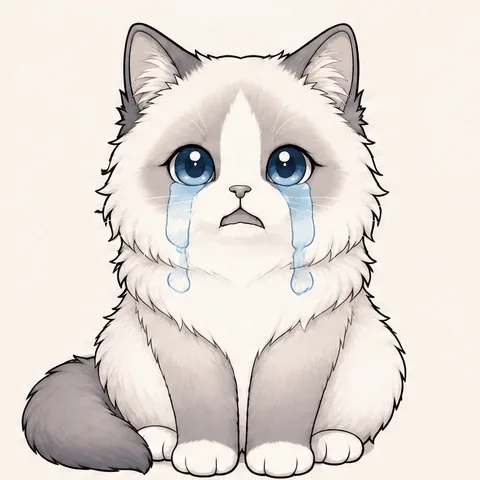
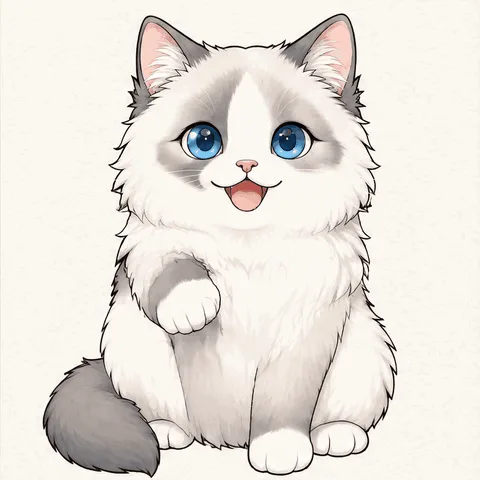
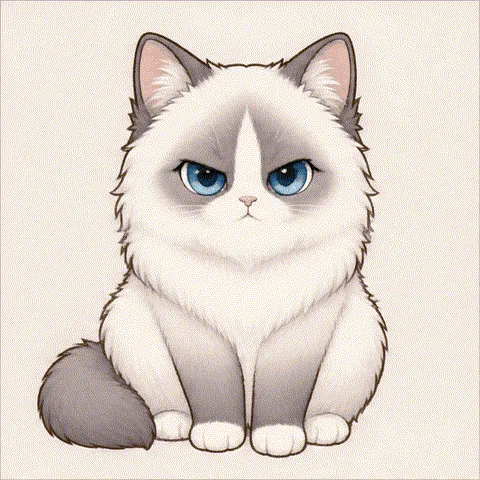
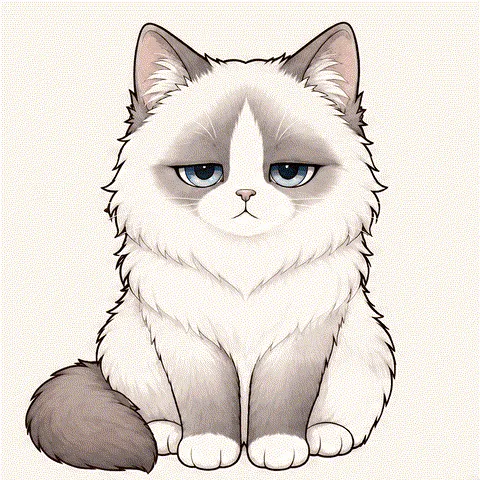
How it works
- 1
Get access
Any paid official cats pass or custom cat order unlocks 5 generations on your account.
- 2
Upload and choose
Add one clear photo of your cat, facing the camera if possible, and pick an expression.
- 3
Wait and download
Most generations finish in under a minute. Your GIF stays private in your account.
How this differs from our free GIF tools
The free templates move your photo as it is. This one asks an AI model to redraw your cat frame by frame, so your cat can actually change expression. That is more expressive, but it costs money per run and it can go wrong, which is why it is limited and reserved for customers.
Getting a better result
Use a sharp photo with one cat, facing the camera, with its whole body or at least its head and chest in frame. Side views and busy backgrounds make mistakes more likely. Check the legs and paws in your result before sharing it.
FAQ
- Will the AI GIF always turn out well?
- No. AI pet GIFs are a benefit for paying customers, and the model behind them is very new and not yet mature, so the success rate is not high. A generation can fail, or the GIF can have flaws such as an extra leg, a misshapen paw or changed colors. The samples on this page were picked by hand from several tries, so your result may look different.
- How many AI GIFs can I make?
- Each paying account gets 5 generations in total. Every completed generation uses one, including a result you are not happy with, so you decide whether to spend another try. A generation that fails technically or is stopped by our safety check does not use one.
- Who can use it?
- Anyone signed in with a paid official cats pass (US$4.90) or a paid custom cat order (US$69). Buying both does not add more generations. If an order is refunded, this benefit ends with it unless another paid order remains on the account.
- What happens to my photo?
- Unlike our free GIF tools, this one uploads your photo. It is kept in private storage and sent to fal, our AI provider, through a temporary link. We delete our copy when the generation ends. The finished GIF stays private in your account, and it passes a safety check before you see it.
- Does it work with dogs?
- It is built and tuned for cats right now, so a generation with another animal may not hold up. For dogs, our free GIF tools work with any photo.
- Can I buy more generations?
- Not at the moment. The 5 generations come with your paid order and are not sold separately.
More GIF tools
Want a cat that really lives on your desktop?
DesktopCat is a free desktop pet for Mac and Windows. Mochi roams your screen, sleeps and reacts to your typing.
Download DesktopCat — free