
GPT Image 2.6 Pet GIF
OpenAI's GPT Image 2.6, released in November 2026, can generate short animated GIFs. We run it through fal with a cat photo as the reference. Here is what that looks like, and how you can try it on your cat.
This is a benefit for paying customers. The model is very new and not yet mature, so the success rate is not high, and generations can fail or have flaws.
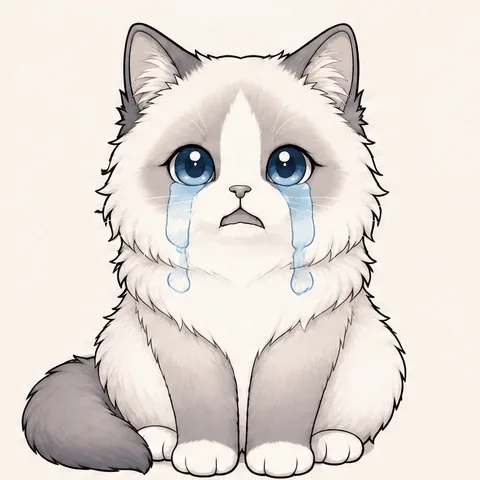
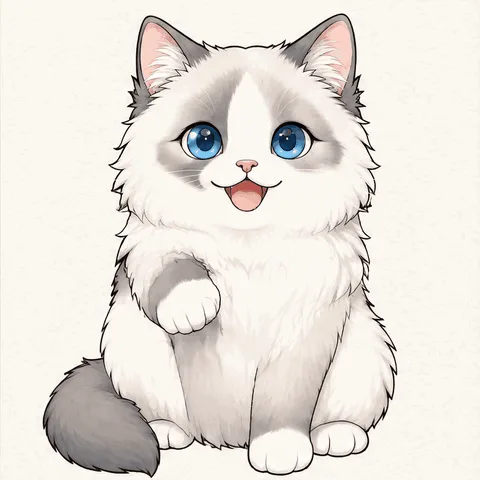
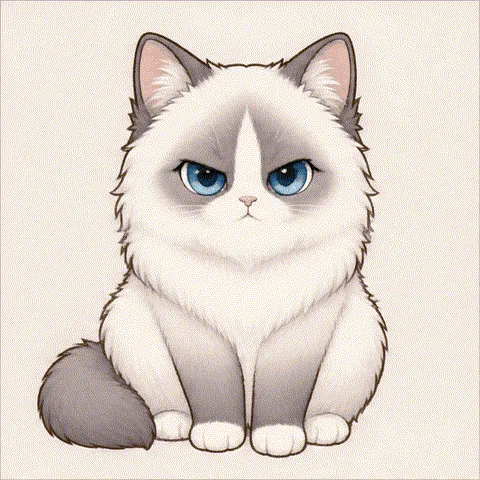
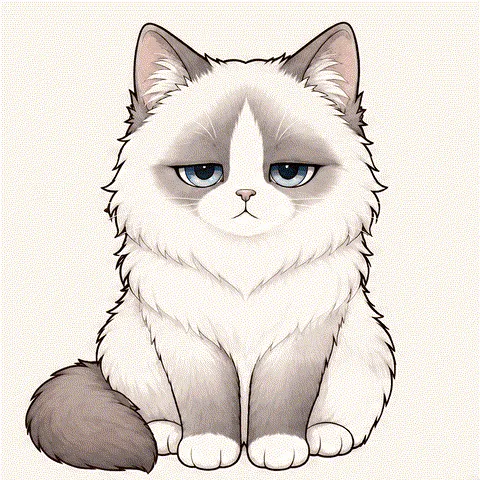
Samples: five moods of Mochi
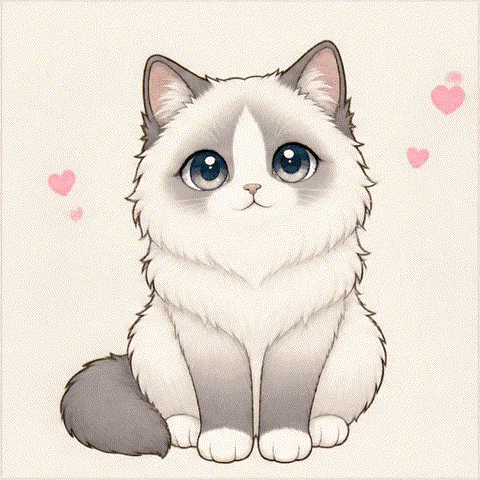
We made these with our free official cat, Mochi, picked the best by hand from several tries and processed them into loops. Not every generation will look this good.
How to try it on your cat
- 1
Open the AI Pet GIF Maker
It runs GPT Image 2.6 for you, so you do not need an API key or a prompt.
- 2
Upload a photo
Choose one clear photo of your cat and pick an expression.
- 3
Download your GIF
The result is saved privately in your account. Paying DesktopCat customers get 5 generations.
What we use it for
DesktopCat makes animated cats that live on your computer, so a model that can animate a cat from a single photo was an obvious thing to try. We access GPT Image 2.6 through fal, a third-party AI platform, and turn each result into a short loop. DesktopCat is independent and is not affiliated with OpenAI or fal.
Made a sprite sheet instead?
If you asked an image model for a grid of animation frames, you do not need another model. Our free sprite sheet tool splits the grid and exports a GIF in your browser.
FAQ
- Is GPT Image 2.6 reliable for pet GIFs?
- Not yet. The model is very new and not mature, so the success rate is not high. It can fail, or draw flaws such as an extra leg, a misshapen paw or changed colors. The samples on this page were picked by hand from several tries, so your result may look different.
- How many AI GIFs can I make?
- Each paying account gets 5 generations in total. Every completed generation uses one, including a result you are not happy with, so you decide whether to spend another try. A generation that fails technically or is stopped by our safety check does not use one.
- Who can use it?
- Anyone signed in with a paid official cats pass (US$4.90) or a paid custom cat order (US$69). Buying both does not add more generations. If an order is refunded, this benefit ends with it unless another paid order remains on the account.
- What happens to my photo?
- Unlike our free GIF tools, this one uploads your photo. It is kept in private storage and sent to fal, our AI provider, through a temporary link. We delete our copy when the generation ends. The finished GIF stays private in your account, and it passes a safety check before you see it.
More GIF tools
Want a cat that really lives on your desktop?
DesktopCat is a free desktop pet for Mac and Windows. Mochi roams your screen, sleeps and reacts to your typing.
Download DesktopCat — free